
Deploy Nuxt to Vercel with Custom Domains, Step by Step

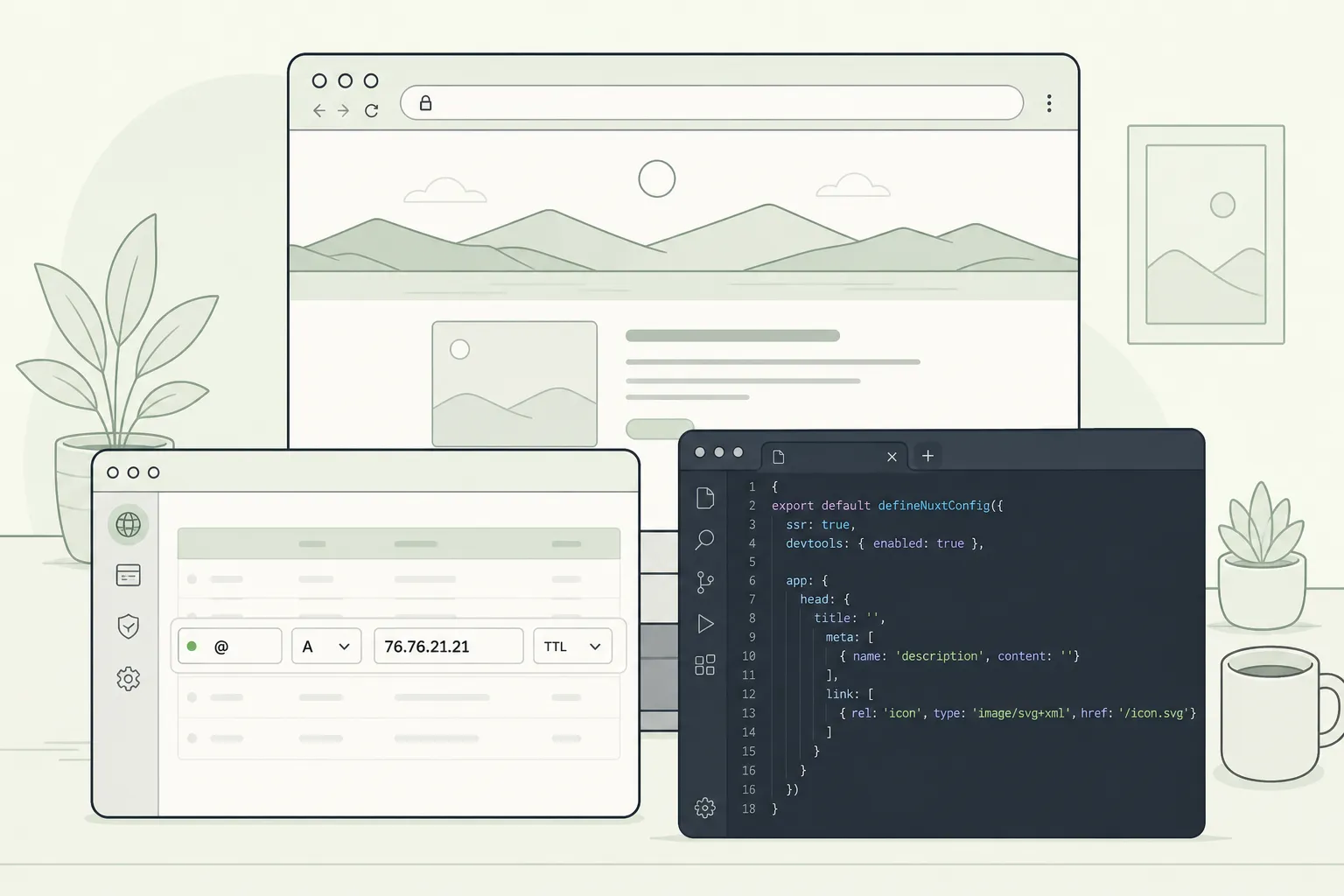
Shipping a Nuxt 3 app on Vercel is quick if you line up build scripts, runtime config, and DNS the right way. This is the exact deployment flow we use for SaaS apps with auth, payments, i18n, and admin. Follow it once, then repeat it for every feature branch and release without surprises.
1) Prepare your Nuxt project for Vercel
Lock the basics so your cloud build matches your local build.
Match Node versions
- Use Node 18 or 20. Pick one and use it everywhere.
- Add an engines field or an .nvmrc so teammates and CI use the same version.
{
  "engines": { "node": "20.x" }
}
Set build and start scripts
Vercel auto-detects Nuxt, but explicit scripts avoid edge cases.
{
  "scripts": {
    "dev": "nuxt dev",
    "build": "nuxt build",
    "start": "node .output/server/index.mjs"
  }
}
Before pushing, run a local production build to catch SSR issues early:
pnpm build && node .output/server/index.mjs
# or: npm run build && node .output/server/index.mjs
Confirm SSR, image domains, and the Vercel preset
Most SaaS apps need SSR for auth, server routes, and webhooks. Make that explicit and keep server-only code out of the client bundle.
// nuxt.config.ts
export default defineNuxtConfig({
  ssr: true,
  nitro: {
    // Nuxt auto-detects Vercel, this keeps it explicit
    preset: 'vercel'
  },
  image: {
    // Only if you use @nuxt/image or remote images
    domains: ['images.example.com', 'cdn.example.com']
  }
})
Keep server code server-only
- Put API handlers under server/api. Each file becomes an endpoint. Test them locally with
curlbefore you deploy. - Do not reference
windowordocumentin server code. Guard any client-only usage withprocess.clientchecks. - Enforce protected routes in server middleware so SSR does not leak restricted content.
Clean artifacts before first deploy
Delete .nuxt and .output, then rebuild. You want the same clean state Vercel will use.
2) Configure environment variables and runtime config
Separate what the browser can see from what it cannot. Map everything to runtimeConfig.
Define runtime config in Nuxt
// nuxt.config.ts
export default defineNuxtConfig({
  runtimeConfig: {
    // server-only
    stripeSecret: '',
    jwtSecret: '',
    // exposed to browser
    public: {
      appUrl: '',
      stripePublicKey: ''
    }
  }
})
- Anything in
runtimeConfig.publiccan be read in the browser. Only put non-sensitive values there. - On Vercel, variables prefixed with
NUXT_PUBLIC_are exposed to the client. Everything else is server-only.
Add env vars per Vercel environment
- In Project Settings, add variables for Production, Preview, and Development. Use different keys for staging databases, payment test keys, and email sandboxes.
- Use the CLI to sync values locally so your app behaves the same on your machine and in the cloud:
# Link your directory to a Vercel project if needed vercel linkPull cloud vars into a local file
vercel env pull .env.local
Add a new key interactively (choose env when prompted)
vercel env add NUXT_PUBLIC_APP_URL
Know what is read at build time vs request time
- SSR pages and API routes read
runtimeConfigon each request. - Prerendered routes capture values at build time. If a value must update without a rebuild, do not prerender that route.
- Use a Preview deployment to test a config change without touching Production.
3) Domains, previews, redirects, and caching
Add and verify your custom domain
- In your Vercel project, add both the apex domain and the www subdomain.
- Point DNS to Vercel:
- Apex: A record to 76.76.21.21.
- www: CNAME to cname.vercel-dns.com.
- Wait for propagation, then pick a primary domain and keep one canonical host.
Set redirects and headers in Nuxt
Keep SEO and analytics clean with a single host and predictable cache policy. Use Nuxt route rules so your config travels with the repo.
// nuxt.config.ts export default defineNuxtConfig({ routeRules: { // Canonical host: force www '/*': { redirect: { to: 'https://www.example.com/**', statusCode: 308 } },// Cache mostly static pages with ISR '/': { isr: 300 }, '/blog/**': { isr: 600 }, // Never cache private pages or APIs '/dashboard/**': { cache: false }, '/api/**': { headers: { 'cache-control': 'no-store' } }
} })
You can also configure redirects in the Vercel dashboard if you prefer UI control. Keep the rule in one place to avoid conflicts.
Use Preview deployments with real staging data
- Connect your Git repo. Every push creates a unique Preview URL. Treat this as staging for product owners and QA.
- Add Preview env vars so previews use staging databases and payment test keys. Never point Preview at production data.
- If you need a stable preview hostname, attach a subdomain such as preview.example.com to the Preview environment in Project Settings.
Static assets
- Ship hashed filenames so long-lived caching is safe. Nuxt handles this by default for built assets.
- Whitelist any remote image domains to avoid production blocks.
4) Ship, verify, and monitor
Deploy from Git or the CLI
- Git-based flow: merge to your main branch to trigger a Production deployment.
- CLI flow:
vercelfor a preview, thenvercel --prodfor production.
Run the critical path checks
- Open the homepage and a few deep links. Watch server logs in the Vercel dashboard for slow queries and missing assets.
- Exercise APIs with valid and invalid inputs. Example:
curl -i https://yourdomain.com/api/healthand check status codes. - Auth flows end to end: sign up, email magic link, social login, password reset, gated routes. Confirm logout clears cookies and sessions.
- Payments in test mode: create a plan, run checkout, verify webhooks update user entitlements and invoices. Confirm idempotency so retries do not double-charge.
- Internationalization: switch locales, ensure dynamic routes and metadata render correctly on SSR.
Turn on your platform features
If you built on our Nuxt SaaS starter, you can switch on analytics, SEO meta and sitemap generation, scheduled cron jobs for reports or reminders, and transactional emails for password resets and welcomes immediately after go-live. These ship with the kit, so you do not have to glue them on later.
If content and backlinks are your next bottleneck, teams often pair their app with RankGoat to write posts, secure dofollow links, and fix indexing so new features get discovered.
5) Roll back fast and avoid pitfalls
Instant rollbacks
Each Vercel deployment is immutable. If production is off, open the last known good deployment in the dashboard and promote it to Production. You can also point your production alias back to that deployment URL using the CLI. The switch is instant because both builds already exist.
Common pitfalls to avoid
- Missing Preview env vars. A feature works locally but fails on a branch because the variable only exists in Production. Mirror critical keys with safe staging values.
- Leaking secrets to the client. Never pass server-only values via
runtimeConfig.publicor with aNUXT_PUBLIC_prefix. - Remote images blocked. Production will fail requests if domains are not whitelisted. Add them before launch.
- Wrong SSR vs prerender choice. If a page must reflect per-request data, do not prerender it. If it is mostly static, give it ISR for speed.
- Large serverless bundles. Keep server routes lean. Import only what you use. Move browser-only packages out of server code.
- No canonical redirect. Redirect non-www to www or the reverse so SEO and analytics are not split.
- Node mismatch. Teams on different Node versions see build-only bugs. Pin Node and use the same version in Vercel.
Key takeaways
- Lock Node, scripts, SSR, and image domains before connecting Vercel.
- Store secrets in Vercel and map them to
runtimeConfig. Keep Production and Preview separate. - Attach your custom domain, set one canonical host, and configure redirects in code or the dashboard.
- Use route-level caching: ISR for mostly static pages, no-store for auth and APIs.
- Rely on immutable deployments to roll back instantly when needed.
Ready to ship your SaaS?
Deploy Nuxt to Vercel: environments, secrets, and rollbacks
Deploy Nuxt to Vercel the right way: env vars, SSR, previews, SEO-safe robots, payments, emails, and rollbacks. A practical flow we use to ship SaaS.
How to Build a Nuxt Module: Structure, Options, and Publishing
Learn how to build a Nuxt module from scratch. Scaffold, add options, ship plugins and composables, test in a playground, and publish without headaches.