
Nuxt 3 authentication with email, magic links, and Google

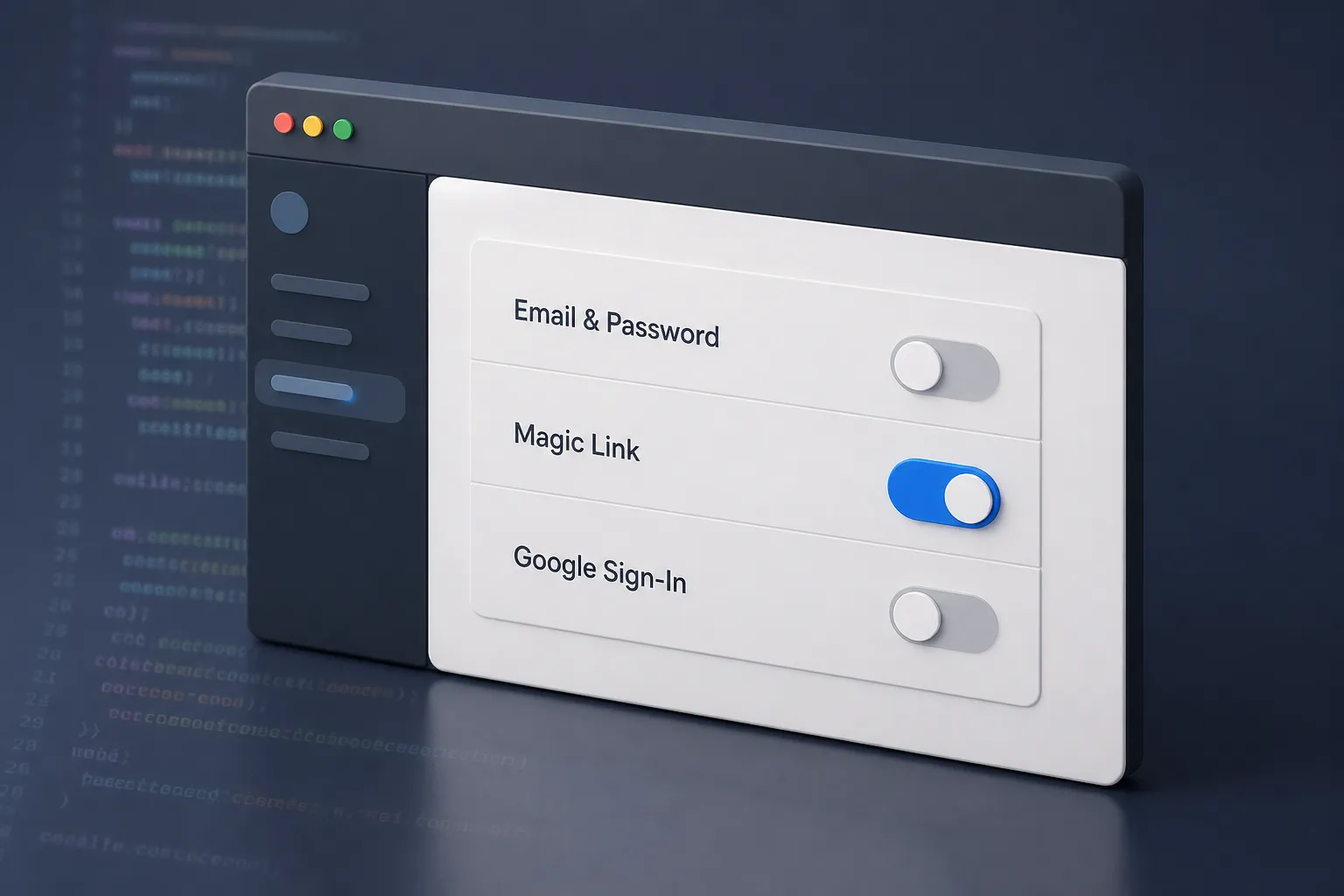
Authentication is the first real test for a Nuxt app. You need email and password for confidence, magic links for a low-friction first session, and Google for one-tap sign in. You also need clean redirects, protected routes, and sessions that do not break under real traffic. This is the playbook I use when building SaaS and AI tools with Nuxt 3 and what Shipahe.ad ships out of the box so you can make your first dollars online without burning weeks on plumbing.
Plan the flows before you code
Decide exactly how users enter and recover access. Map these paths:
- Sign up: fields collected, welcome email, post-signup redirect. Keep it to email and password. Add name later in onboarding.
- Sign in: email + password, magic link, and Google as distinct, obvious choices. Always fall back to email-only recovery.
- Password reset: request page, token lifetime, confirmation page, and whether you auto sign in after a successful reset.
List your emails and the triggers: welcome, verification if required, magic link, reset request, and reset success. Write the subject lines now so you avoid vague defaults later. For multi-locale apps, draft both the UI copy and emails per locale so your i18n is consistent from day one.
Email/password and magic links that feel fast and safe
Email/password is your baseline. Magic links remove friction for first-time users and demos. Both should land on the same account.
- Pages and UX. Use three pages: /signup, /login, /reset. Keep forms short. On magic link submit, swap the form for a clear “Check your email” state and show which address you sent to. For all auth actions, show definitive success and failure states.
- Server-side hashing and validation. Hash with Argon2id on the server. Enforce a minimum length and check common passwords with a local entropy check such as zxcvbn. For breach checks, hit the Have I Been Pwned k-anonymity API server side. Rate limit by IP and user ID.
- Password reset with short-lived tokens. Generate a random token, store a hashed version with user ID, purpose, and an expires_at no longer than 15 minutes. Send a link to a page that verifies and consumes the token once. On success, invalidate the token and clear other active sessions for that user.
- Magic link issuance and redemption. Create a single-use token bound to email and an expiry of 10–15 minutes. Include a jti so you can revoke the exact token on redemption. Consider adding a fallback 6–8 digit code in the email for copy-paste.
- Email deliverability that actually lands. Authenticate your domain with SPF, DKIM, and DMARC. Use a dedicated subdomain for transactional mail, like mail.yourapp.com. Include the expiration time and the requester IP in the email so users can spot suspicious activity.
Minimal Nuxt server handlers for login and sessions could look like this:
// server/api/auth/login.post.ts
export default defineEventHandler(async (event) => {
  const body = await readBody(event)
  const user = await findUserByEmail(body.email)
  if (!user) throw createError({ statusCode: 401 })
  const ok = await verifyArgon2(user.passwordHash, body.password)
  if (!ok) throw createError({ statusCode: 401 })
  const session = await createSession(user.id)
  setCookie(event, 'sid', session.id, { httpOnly: true, secure: true, sameSite: 'lax', path: '/' })
  return { ok: true }
})
In Shipahe.ad, email/password, reset, and magic links are already wired with templates, rate limits, and a single account per email. You focus on copy, not the edge cases.
Google sign-in without duplicate accounts
Google reduces friction for users on Chrome and Android. Keep it tight and link to existing accounts instead of creating clones.
- Create OAuth credentials. In Google Cloud Console, add an OAuth client with your local and production redirect URIs. Scopes openid email profile are enough for sign-in. Use a strict Authorized JavaScript origins list.
- Defend the callback. Verify state for CSRF and nonce for replay. Validate the ID token with Google’s certs and check aud, iss, and exp. Extract the verified email only.
- Link by email, not by provider ID alone. If a user with the same verified email exists, attach the Google provider to that user. Only create a new user when there is no match. Store provider name and provider user ID. Keep refresh tokens only if you call Google APIs later, and encrypt them at rest.
Shipahe.ad includes Google as a toggle. The callback handler already verifies state and nonce and links to an existing account by email to avoid duplicates.
Protect routes and manage sessions on both sides
Client checks improve UX. Server checks provide security. Use both.
-
Client route guards. Add route middleware for gated pages. Redirect anonymous users to /login and redirect authenticated users away from onboarding or auth pages when appropriate.
// middleware/auth.global.ts export default defineNuxtRouteMiddleware((to) => { const session = useAuthSession() if (!session.value && to.meta.requiresAuth) return navigateTo('/login?next=' + to.fullPath) }) -
Server enforcement. Never trust the client. Wrap server routes with a session check and role check.
// server/utils/auth.ts export async function requireUser(event) { const sid = getCookie(event, 'sid') const session = sid && await getSessionById(sid) if (!session) throw createError({ statusCode: 401 }) return session }// server/api/admin/users.get.ts export default defineEventHandler(async (event) => { const session = await requireUser(event) if (!session.roles.includes('admin')) throw createError({ statusCode: 403 }) return listUsers() })
- Cookie strategy. Put session IDs and refresh tokens in httpOnly, Secure cookies. Use SameSite=Lax for most apps. If you serve the app and API across different domains, use SameSite=None and Secure on HTTPS only. Do not store tokens in localStorage.
- Short access, longer refresh, rotate often. Keep access tokens short lived. Rotate refresh tokens on every use and revoke the previous one to kill replay. On logout, delete cookies and revoke refresh tokens, and broadcast a logout event across tabs with the Storage API.
- CSRF and state. Protect state-changing POST routes with CSRF tokens. For OAuth, verify state and nonce every time.
Common pitfalls
- Duplicate accounts. Always link Google and magic-link sign-ins to the same user by verified email.
- Overlong magic links. Keep tokens short lived and single use. Invalidate on redemption.
- Weak email deliverability. Set SPF, DKIM, and DMARC. Use a transactional subdomain. Clear subjects beat clever ones.
- Client-only checks. Guard server routes. Client redirects help UX, not security.
- Leaky storage. Use httpOnly cookies. Avoid localStorage for secrets.
- No rate limits. Throttle login, reset, and magic-link endpoints.
Build faster with a Nuxt SaaS starter kit
After sign-in works, the next drop-offs are onboarding and checkout. Send users to a crisp setup checklist, then a single checkout that supports one-time and subscriptions. Fire a receipt email that includes plan, amount, and a support contact. In practice, steady operations beat clever features. A good external example is this operations guide to selling more on Mercado Libre, which shows how software centralizes orders, messages, inventory, and facturación CFDI Mercado Libre so teams stop guessing and start shipping orders. Same idea here. Tight systems around checkout, messaging, and receipts cut support tickets and churn.
If you want a working base instead of a blank repo, Shipahe.ad is a Nuxt starter kit with production auth in place. You get:
- User accounts with email/password, magic links, Google sign-in, password reset, and route protection already wired.
- Transactional email templates with i18n so your login and receipt messages match the user’s locale.
- An admin dashboard to view users, set roles, and ban obvious spammers.
- Checkout flows for one-time and subscriptions with swappable providers like Stripe or Paddle, plus webhooks and dunning hooks you can enable later.
- Analytics for pageviews, signups, and key actions so you can spot friction without adding a second tool on day one.
- SEO helpers for meta, Open Graph images, and sitemaps, and a landing page you can customize by editing copy.
- Deployment presets for modern hosts and clean .env handling across local, staging, and production.
It is designed to play nicely with AI coding tools like Cursor and Claude so small changes and repetitive edits stay quick while you focus on shipping your product.
Key takeaways
- Plan sign up, sign in, and recovery before writing code to avoid rework.
- Implement email/password and magic links with the same account and add Google without creating duplicates.
- Protect pages on the client and the server. Store sessions in httpOnly cookies and rotate refresh tokens.
- Watch auth metrics and email deliverability so you catch configuration issues early.
- A Nuxt boilerplate like Shipahe.ad lets you launch faster without rebuilding the basics.
Recommended resources
Ready to ship your SaaS?
How Much Time Does a Nuxt Starter Kit Actually Save?
Is building a SaaS still worth it in 2026? We break down the time-saving data and why speed is the only advantage that matters for solo founders.
Nuxt DevTools for SaaS: a focused workflow to ship faster
Debug routes, state, and performance with Nuxt DevTools. A concrete workflow for SaaS teams, plus how a Nuxt boilerplate removes setup drag.